Event Suite
One subscription for any event: pick your event type, add a starter plan, and use thirteen products that share one project, from first quote to final report
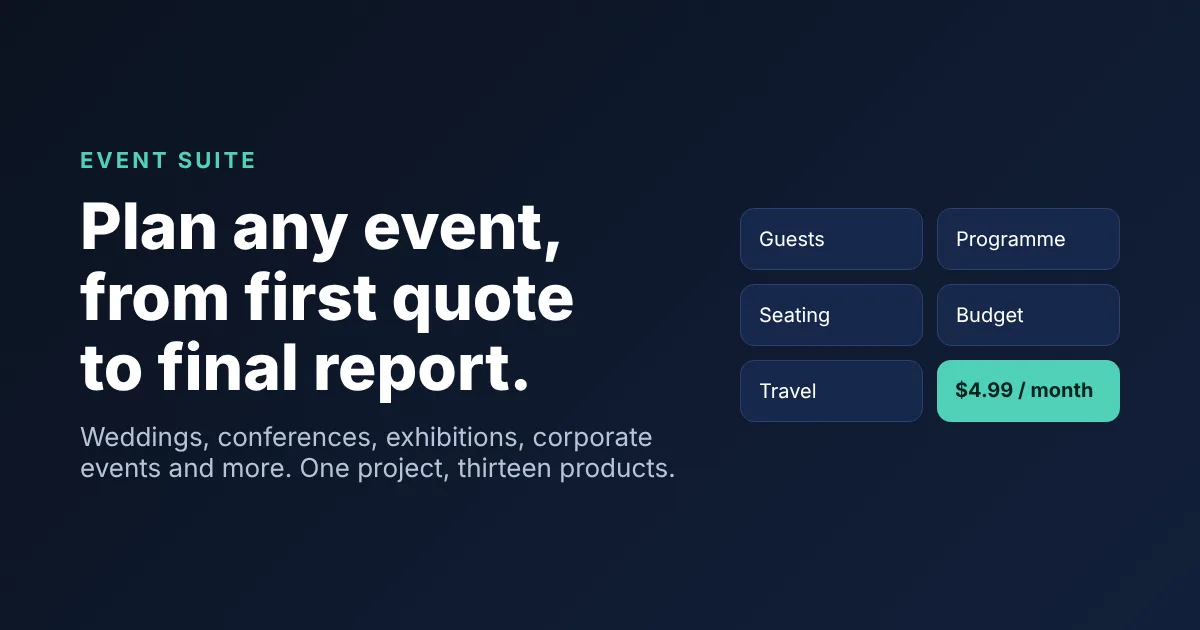
Plan any event, from first quote to final report.
About Event Suite
One subscription for any event: pick your event type, add a starter plan, and use thirteen products that share one project, from first quote to final report
- Why is there no trial or day pass?
- The Event Suite is a single paid product, built for people who plan events regularly. It is a monthly subscription that you can cancel at any time from the page itself.
- Does the sitewide plan include it?
- No. The Event Suite is its own subscription. Your other plans and trial uses work as they always have for every other tool on the site.
- Is my event data stored on your servers?
- No. Your project stays in your browser tab and is erased when you close it. Only your subscription is recorded, against your account.
How to use Event Suite
Choose the kind of event, add the starter plan if you want a checklist, budget and running order to edit, then open a product. They all share your project, so a guest list entered once is there in every product. Save the project file to keep your work.
When to use it
Use it when you are planning a wedding, party, corporate event, conference, exhibition or fundraiser and want the whole job in one place, from the first quote to the closing report.
When not to use it
Events with live ticket sales or multi-device staff apps need dedicated software alongside it.
Tips for best results
Save the project file whenever you finish a session, and open it again next time from the project bar.
Limitations
It is a monthly subscription for each user, with no trial and no day pass. Your work lives in this browser tab, so save the project file before closing it. Starter plans are typical examples to edit, not rules for your event.
Privacy
Nothing about your event is uploaded or stored by the site. Only your subscription is recorded, by your account.
How to use this app
- Sign in and subscribe. The Event Suite is $4.99 per user per month, with no trial and no day pass, or it is open to you through an organization plan.
- Choose the kind of event: wedding, birthday, corporate event, conference, exhibition, fundraiser or something else.
- Add the starter plan if you want a checklist, a budget split and a running order counted from your event date.
- Open the products you need. They all work on one shared project, so guests, sessions, quotes and costs are entered once. Save the project file to keep your work.
Tips
- Start with the starter plan, then change it. The checklist, budget and running order are typical examples, not rules for your event.
- Save the project file at the end of every session. The site stores nothing about your event, so the file is how you pick up where you left off.
- Working with a team? An organization plan covers many people at a lower price per seat.
More from Event Planning: