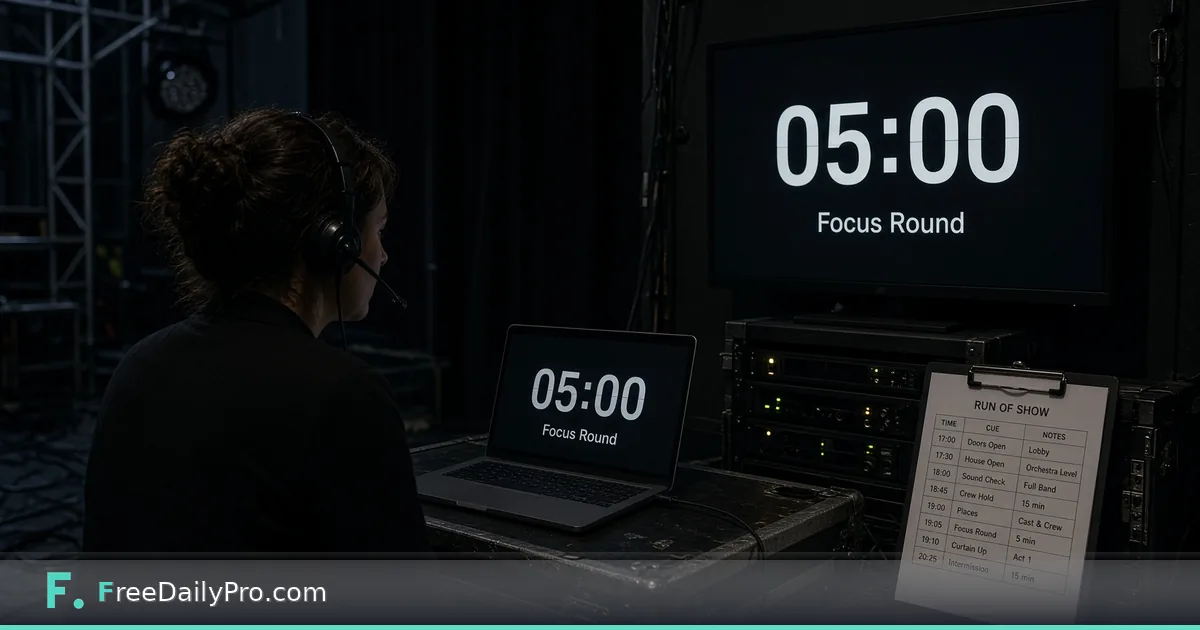
Run a Stage Countdown or Focus Work Rounds
Use Focus Stage Timer for a full-screen speaker countdown with colour warnings, or Pomodoro-style focus rounds.
The moderator promised five minutes for Q&A, the speaker cannot see a wall clock, and the session is already drifting. Focus Stage Timer offers Stage mode: a big full-screen countdown that turns amber then red, with optional overtime counting up and a message you can show—or Focus mode with work and break rounds for deep work between events.
This guide covers one job only: put a readable countdown where the speaker can see it, or run honest focus rounds when you are prepping materials. Align sessions with Event Day Schedule, tasks with Event Checklist Planner, and stage QR links with QR Generator. Category: event tools.
Stage mode vs Focus mode
Stage mode: type a length such as 5, 5:30 or 1:05:00, set when amber and red warnings start, and press Start. Use Full screen on a second display or a tablet facing the speaker. Green means plenty of time; amber is the first warning; red is the final warning; dark red with a plus sign means overtime. A short beep can mark each change if sound is on. Focus mode alternates work rounds and short breaks, with a longer break after several rounds; lengths are yours to set. The timer follows the clock, so it stays correct even if the screen sleeps briefly, and it asks the browser to keep the screen awake where allowed.
Worked example: keynote with 45-minute slot
Priya runs a community tech conference. Keynote: 40 minutes talk + 5 minutes Q&A. She sets Stage to 40:00, amber at 5:00 remaining, red at 1:00. A tablet on the lectern faces the speaker in full screen. When overtime starts, the plus counter tells the moderator when to step in. Between sessions Priya switches to Focus mode for 25/5 rounds while she reprints badges. She can load session end times from the project agenda and jump with Next session when that option is available.
Steps for a live stage countdown
- Open Focus Stage Timer.
- Choose Stage mode.
- Enter duration (minutes, mm:ss or h:mm:ss) or a preset.
- Set amber and red warning thresholds the speaker agreed to.
- Test sound once in the empty room.
- Press Full screen on the display the speaker will face.
- Start only when the speaker begins, not during walk-on music unless planned.
- Keep the tab open and the device plugged in.
- When time is up, use overtime visibility so the moderator can intervene calmly.
- For multi-session days, advance with agenda/Next session when configured.
Common mistakes
- Starting the timer during applause so the talk is short-changed by a minute.
- Facing the countdown toward the audience instead of the speaker.
- Relying on a half-charged tablet that dies mid-keynote.
- Skipping a sound check, then surprising the room with a loud beep.
- Using Focus mode lengths that never match how you actually work, then abandoning the tool.
Limits and good to know
The timer does not replace a professional show-calling system for complex multi-stage productions, but it is a strong browser option among FreeDailyPro’s 300+ professional tools, premium applications and workflow products. Keep the tab open. Accuracy comes from the device clock. Site metering still applies when this flow uses trial capacity: 10 trial usages, with day pass or monthly options after that for heavier focus stage timer days.
Edge cases
If the venue blocks full screen on shared machines, open the page on your own tablet. If two timers run (stage and stream delay), designate one as authoritative for the speaker. For accessibility, ensure contrast of the full-screen colours is readable under stage lights—test in the actual room.
Focus mode quick recipe
Set 25-minute work and 5-minute break, longer break every four rounds. Start the next round automatically only if you will stay at the desk; otherwise require a click so breaks stay real.
Room test checklist before doors open
Walk the actual sightline from the lectern to the timer display. If sunlight washes the screen, increase brightness or relocate the tablet. Confirm the full-screen gesture works on the device you will use live—not only on the ops laptop. Disable notifications on that device so a message does not cover the digits. Agree with the speaker whether amber means “wrap the story” or “one more slide,” and put that agreement in the run-of-show notes so a substitute moderator does not invent a new meaning mid-talk.
Multi-speaker panels
For panels, run one stage timer for the full segment and a second silent phone timer for per-speaker soft limits if needed—but only one full-screen display faces the stage to avoid conflicting numbers. Brief the moderator on who owns the overtime decision. Focus mode between sessions helps ops staff process badge queues without drifting into endless Slack.
If the stage display fails, have a printed card with remaining minutes updated by a stage manager every five minutes as fallback. Technology is primary; paper is insurance. Test full screen on the exact device and browser the week before, not during soundcheck only.
For hybrid streams, do not show the speaker-facing timer on the audience livestream unless that is intentional design.
Agree the signals with the speaker
Before the session, tell the speaker what amber and red mean and how you will act at overtime. A speaker who knows that red means "one minute left" and that you will step in calmly at the plus sign can pace the last section. Surprise is what makes overtime awkward, and a thirty-second conversation removes it.
Next step
Speakers do better work when the remaining minutes are impossible to miss. Open Focus Stage Timer, set Stage warnings, and put full screen where only the presenter needs it.
Want agenda auto-advance presets or silent-only stage cues? Tell FreeDailyPro on the contact page.