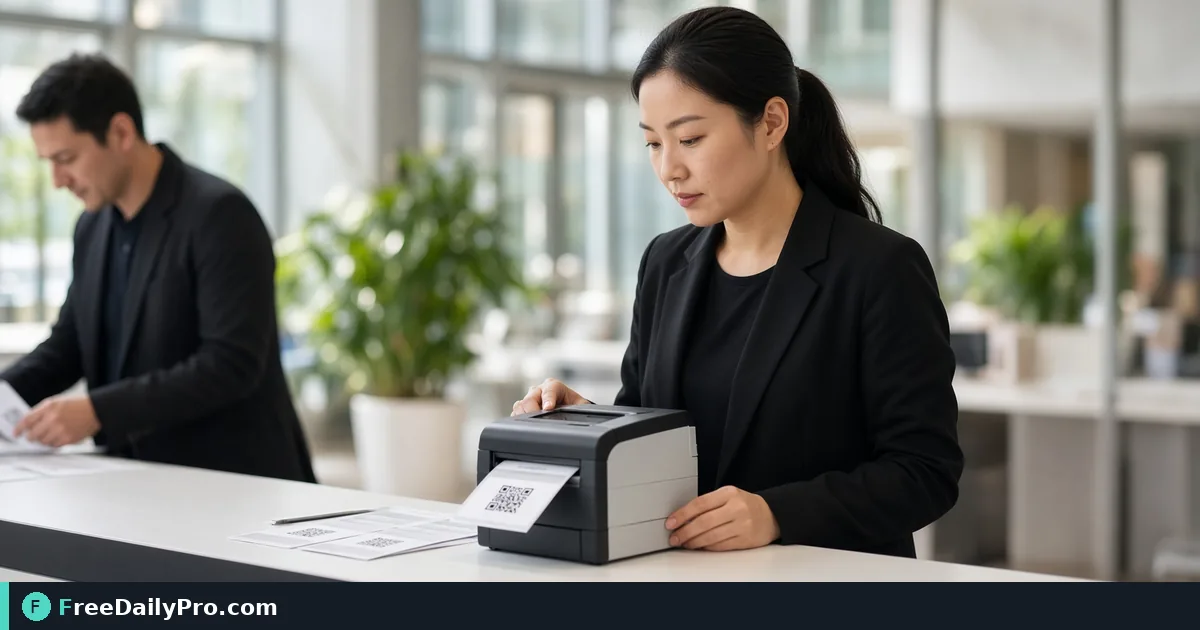
Print Event Name Badges With Optional QR Passes
Use Name Badge Maker to print event badges from a guest list or typed names, with optional QR passes on Letter or A4 sheets.
Priya Nair needs 180 badges for Midwest Product Expo registration in Columbus by Friday. Typing names into a slide deck will fail the schedule. Name Badge Maker prints badges on insert or label sheets (US Letter or A4) with event name, person name, organisation, role, and an optional QR pass that door check can read offline when guests come from the project.
This guide covers one job only: print accurate badges on the correct sheet grid, with optional QR, without “Fit to page” disasters.
Sheet types that matter
- Name badge inserts, 6 per sheet, 4×3 in (Avery 5392 and equivalents, US Letter)
- Large labels/badges, 8 per sheet (Avery L7165 and equivalents, A4)
- My own grid if your pack differs—measure the sheet
Print at 100% / Actual size, never Fit to page. Test on plain paper and hold against a real sheet first. Thin outlines help on plain paper; skip outlines on insert sheets that already have cut guides.
Names and QR passes
Guests can come from your project list or a typed list (Name | Organisation | Role per line). Typed badges have no QR pass—use project guests when you need QR for door check. Extra blank badges cover walk-ins (event band, no name). “Start at badge” helps finish a part-used sheet.
Guest list: Guest List Tracker. Shared project: Event Suite. Standalone QR design: Custom QR. Category: event tools.
Worked example: expo registration, Columbus OH
- Sheet: Avery 5392 style, 6-up Letter
- Source: project guests confirmed for day 1
- QR pass: on for door check offline
- Blanks: 15 walk-ins
- Done definition: sample sheet aligns with insert holes; three random QR pass door tests succeed
Steps on Name Badge Maker
- Finalize the guest list (spelling, organisation, role).
- Open Name Badge Maker.
- Choose project guests or paste typed lines.
- Set event name on the badge band.
- Pick the sheet grid that matches the pack in your hand—or measure for custom grid.
- Enable QR pass only when guests are project guests and door staff will scan them.
- Add blank badges for walk-ins if needed.
- Download the PDF.
- Print one test page at 100% on plain paper; align to a real insert sheet.
- Run the full print on badge stock; keep a reprint PDF for no-shows who arrive late.
Common mistakes
- Fit to page, shifting every name off the insert.
- Wrong Avery template for the stock in the box.
- Expecting QR on typed-only names.
- Skipping the plain-paper alignment test.
- Uploading guest lists to random design sites against privacy policy—this tool keeps names in the browser.
Limits and good to know
- Names and PDFs are made in the browser; nothing is uploaded or kept unless you save a project file.
- Not a full plastic card embosser workflow.
- Among FreeDailyPro’s 300+ professional tools, premium applications and workflow products, this is the event badge print path with optional QR.
- Door QR success still depends on print contrast and scanner practice—test on the actual door device.
Registration desk kit
Priya packs: badge stock, spare printer, plain test paper, markers for blanks, and a printed “100% scale only” sticky on the printer. Walk-in blanks prevent whiteboard name chaos.
Spelling triage
Send a “name check” email 48 hours before print. People notice misspelled names on badges more than almost any other detail. Fix the guest list before you burn badge stock.
Lanyard and clip logistics
Badges without clips still fail the guest experience. Pack clips and spare lanyards in the same box as the printed sheets. Registration staff should not hunt the supply closet during doors.
Partial sheet printing
When a sheet is half used, “Start at badge” saves stock. Document which sheet number you stopped on so the next volunteer does not reprint names 1–3 again.
Privacy at the printer
Do not leave guest PDFs on a hotel business-center computer. Download, print, delete local copies, and log out. Browser-side generation still produces a file on disk once you save the PDF.
Day-of reprint station
Keep a laptop with the badge PDF and a small label printer or spare sheet stock at registration. When a badge is wrong, reprint one name instead of handwritten sticky notes that look unofficial in photos.
Role line usefulness
Roles like Speaker, Exhibitor, Staff help networking and security. Keep them short. Long role strings wrap into unreadable badges.
FAQ
QR on every badge? Only project guests get QR passes; typed lines do not.
Walk-ins? Add blank badges; fill names by hand.
Are names uploaded? No—browser-side unless you save a project.
Closing next step
Badges are a logistics product. Match the sheet, print at 100%, test QR if you use it, then run the full set.
Open Name Badge Maker.
Why 180 badges is 30 sheets
On a 6-up Letter insert sheet, 180 names fill exactly 30 sheets. Priya's 15 blank walk-in badges add 2.5 sheets, so she buys 33 and uses "Start at badge" to finish the last partial sheet instead of wasting it. On 8-up A4 labels the same 195 badges would take 25 sheets.
Long names and typed lists
Typed lines use Name | Organisation | Role, and each field is trimmed to 120 characters. Priya's late additions, such as Dana Whitfield | Brightline Foods | Exhibitor, can be pasted in as a second run without QR passes. The tool accepts up to 2000 badges in one go, far above her Columbus count.
Two lines per badge sheet
Each badge carries the event name, the person, the organisation and the role, so a Columbus guest listed as Marcus Hale | Delta Packaging | Speaker fills all three lines. Priya keeps organisations under about 25 characters so the line does not wrap, and she checks the longest name in the list on the plain-paper test page first.
Need a door-check + badge dry run checklist? https://www.freedailypro.com/contact.