Automate Word Counts and Slugs With the FreeDailyPro API
Automate word count and slugs with FreeDailyPro API. Concrete 10-minute example for developers; see /developers.
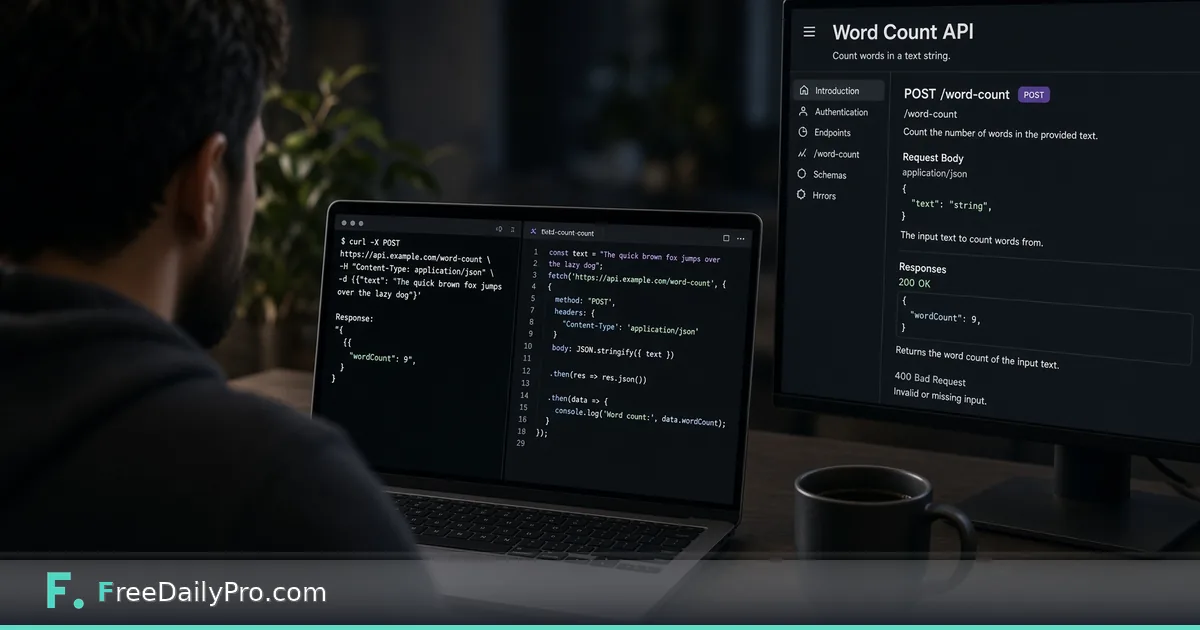
FreeDailyPro.com — The September API and MCP launch covered the map. This post is a single trail: call word-count style analysis and slug generation patterns from code in about ten minutes. Start at the developers page for keys, docs, and current endpoint details.
Why these two operations
Word counts gate editorial SLAs. Slugs gate CMS uniqueness. Both are boring, frequent, and easy to automate. The browser Word Counter remains the no-code equivalent when you do not want to write a script.
Ten-minute shape
1. Create or copy an API key from the developers flow. 2. Read the current REST docs for text analysis endpoints you need. 3. Send a small POST with sample prose. 4. Parse word and character counts from JSON. 5. Generate a slug from the title field using the documented slug helper or your own normalization if that lives client-side. 6. Log results and handle non-2xx cleanly.
Exact paths and payloads change with docs — always copy from developers rather than from a blog that might lag.
MCP note
If your agent stack speaks MCP, FreeDailyPro's registry entry exists for tool access from agents. This example stays REST-simple on purpose so a human developer can finish without an agent runtime.
Limits
Trial tiers have call caps. Do not scrape. Do not send secrets you would not store in logs. Browser Word Counter is enough for one-off edits; API is for pipelines.
Result
A script that prints counts and a slug for each draft folder is a real automation win. Keep it small, test with fixtures, and read the live developers docs whenever signatures change.
A worked example: a drafts folder
Say you keep forty Markdown drafts in a folder and an editor wants every piece between 800 and 1,200 words, each with a URL slug that matches the title. A small script can walk the folder, send each draft's text to the analysis endpoint, read the word count from the JSON reply, and flag anything outside the range. For the slug, pass the title through the documented helper, or normalize it yourself: lowercase, swap spaces for hyphens, drop punctuation. A title like "10 Budget Tips (2026 Edition)" should come back as a slug along the lines of 10-budget-tips-2026-edition. If two drafts produce the same slug, append the publish date rather than a random number so the result stays predictable.
Print one line per file with the filename, count, slug and a pass or fail marker. That output is easy to read in a terminal and easy to paste into a ticket.
Mistakes worth avoiding
- Hard-coding an endpoint path from memory. Copy it from the developers page each time you start a new script.
- Sending a whole book in one request when the docs describe size limits. Split long files by chapter and add the counts.
- Treating a non-2xx response as an empty result. Log the status code and the file name, then continue with the next draft so one failure does not stop the batch.
- Comparing counts from the API with counts from a different editor and assuming a bug. Tools disagree on hyphenated words and numbers, so pick one counter and stay with it.
- Committing your key to a repository. Keep it in an environment variable.
Checking your script
Test with three fixtures: an empty file, a short paragraph you counted by hand, and a long draft. Paste the same paragraph into the browser Word Counter and confirm the numbers agree before you trust the script on real work. For slugs, compare a few outputs against the Slug Generator to see whether your normalization matches. Re-run after any change to the docs, since signatures can shift.