Grab YouTube Thumbnails for Moodboards Without the Guesswork
Download YouTube video thumbnails for creative reference and archives. Steps, fair-use care, and workflow tips for creators.
Thumbnails teach layout lessons faster than long essays about contrast and face crop. Creators also need an archived copy of their own live thumbnail when the platform UI makes "save image" awkward. This post covers a narrow path: pull the thumbnail file with YT Thumbnail, then use it legally and practically in your own workflow.

Legitimate reasons to download a thumbnail
- Archive your video's current thumbnail before an A/B test overwrite.
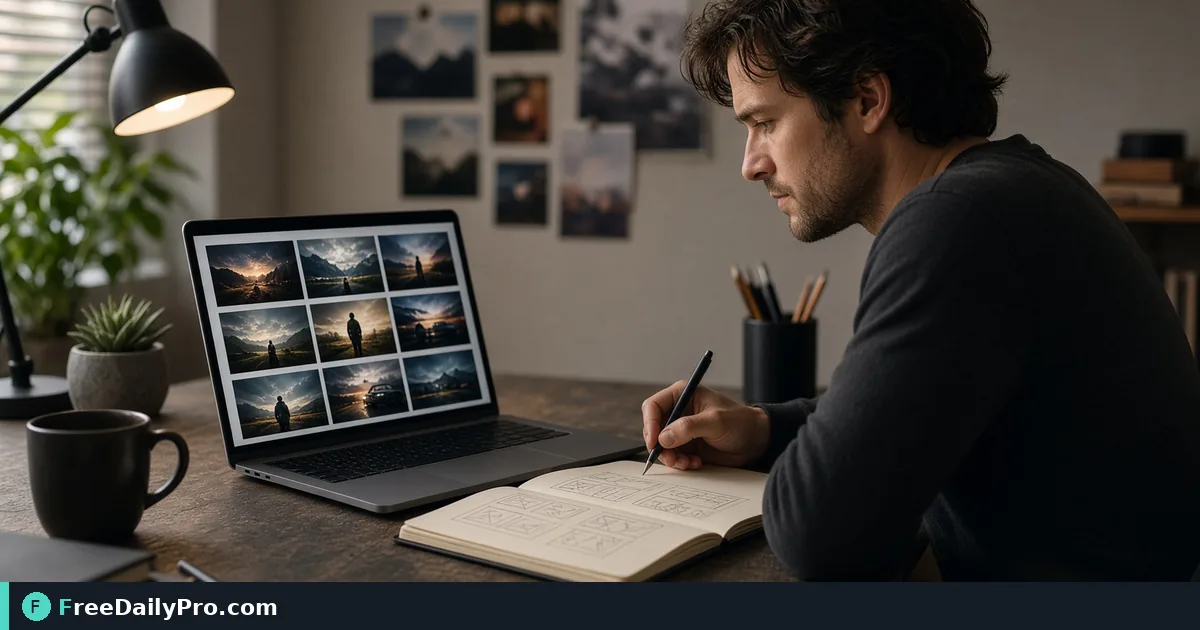
- Build a private moodboard of layout patterns (face left vs face right, text safe zones, high-contrast props).
- Give an editor a still that matches what viewers saw in search, without scrubbing a 4K timeline.
- Document a campaign retrospective with the exact creative that ran.
This is not a guide to steal art, impersonate channels, or reuse someone else's face and logo in your ads. Treat third-party thumbnails as reference under fair practicality, and get permission when you reproduce them publicly.
Say you manage a small educational channel and redesign packaging every quarter. You want last quarter's thumbnails in a folder named by video ID before you upload new versions. That is the job.
What to prepare
- The video URL or ID you care about (watch page link is fine).
- A destination folder convention:
thumb-archive/2026-Q4/VIDEO_ID.jpg. - Notes on whether you need max resolution for print mockups or a smaller copy for Notion.
- Optional follow-on tools: Resize Crop, Remove Background for cutting a subject from your assets, and Screenshot Tool when you need UI chrome around the thumbnail for a tutorial.
Among 200+ professional tools, yt-thumbnail is the direct step. Plan within 10 trial usages a day if you are bulk-archiving a catalog in one afternoon.
Numbered workflow
- Copy the public watch URL for the video.
- Open YT Thumbnail and paste the link into the live field.
- Generate or fetch the thumbnail options the tool shows. Prefer the highest resolution variant when you archive.
- Download the image and open it locally. Confirm it matches the live card (sometimes caches lag after a change).
- Rename immediately with video ID plus short slug:
dQw-example-intro-thumb.jpgis less painful thandownload (17).jpg. - If you need a smaller board image, resize once with Image Resizer rather than screenshots of screenshots.
- Log the date and whether this was pre- or post-test creative so A/B notes stay honest.
Worked example: pre-test archive
You ship a 12-minute tutorial on Sunday. Monday you plan two alternate thumbnails. Before uploading alternate A, you download the Sunday original through YT Thumbnail and store videoId-original-2026-10-12.jpg. After a week you compare click-through notes in your sheet against which file was live. Without the archive, platform history alone is harder to paste into a design critique with your contractor.
A second use: a guest editor needs the still that appeared in browse features. Sending the thumbnail file avoids a 900 MB project transfer for a single image.
Edge cases
Custom vs auto-generated. If you never uploaded a custom thumb, the tool may still return an auto frame. Check that you are not archiving a random mid-video frame when you thought you had designed art.
Unlisted and private. Access rules follow what the tool and platform allow for that URL while you are in a normal browser session. Do not assume private assets are fetchable forever.
Shorts vs long form. Aspect and crop differ. Label archives so a vertical Short thumb is not dropped into a horizontal mockup by mistake.
Region or age-restricted videos. Fetch failures are often access issues, not "the tool is broken." Verify the watch page loads for you.
Reuploads. A new video ID means a new archive entry even if the title matches an older film.
Common mistakes
- Saving third-party thumbs into a public brand kit without rights.
- Cropping away the area you meant to study (text safe zone) when resizing carelessly.
- Relying on a phone screenshot of the watch page, complete with timestamps and UI noise, when a clean thumb file exists.
- Forgetting to archive before an overwrite, then trying to reconstruct from memory.
- Bulk downloading far beyond what you will review—clutter is not a moodboard.
Honest limits
YT Thumbnail retrieves thumbnail images associated with a video link. It does not download full videos, subtitles, or analytics. It does not grant commercial rights to anyone else's artwork. FreeDailyPro provides browser-based utilities; file-oriented work sits within 10 trial usages a day unless you use a higher-capacity option the site offers. Always follow YouTube's terms and copyright law for your country.
If you need frame grabs from the middle of a video you own, use your editor. Thumbnails are the poster frames, not a substitute for footage.
FAQ for creator archives
Can I use a competitor thumb in a conference slide? Prefer describing patterns in your own mockups. If you show a third-party image, keep it clearly referential and check permissions or fair dealing advice for your context.
Why does the image look softer than on YouTube? You may have grabbed a smaller resolution variant. Choose the largest the tool lists.
Do live stream default thumbs update? They can. Archive with timestamps if the creative changes during a long event.
Will this work on unlisted review links? Only when the URL is reachable in your browser session the same way the tool expects—test with one link first.
Naming rules that save redesign week
Use VIDEOID-original-YYYY-MM-DD.jpg for the first archive and VIDEOID-test-A-YYYY-MM-DD.jpg for alternates. When a contractor asks "which thumb ran in week two," the filename answers without a meeting. Keep a one-row sheet: video id, title, thumb filename, live date, notes on face crop or text heavy layout.
If you only need a smaller board image, run Resize Crop once with a fixed width for Notion or slides. Do not screenshot the download folder. Screenshots add UI chrome and soft edges that waste critique time.
Closing next step
Which of your own videos still lacks an archived thumbnail file before the next packaging redesign? Note any fetch error text on the contact page.