Text Overlap Before You Submit: What This Tool Can Tell You
Use FreeDailyPro Text Similarity Checker to compare two texts you paste. Not a web plagiarism crawler — honest limits included.
FreeDailyPro.com — Before you submit a draft, you may want a straight answer to a narrow question: how much do these two texts overlap? That is different from searching the entire internet for plagiarism. Confusing those jobs causes panic or false safety.
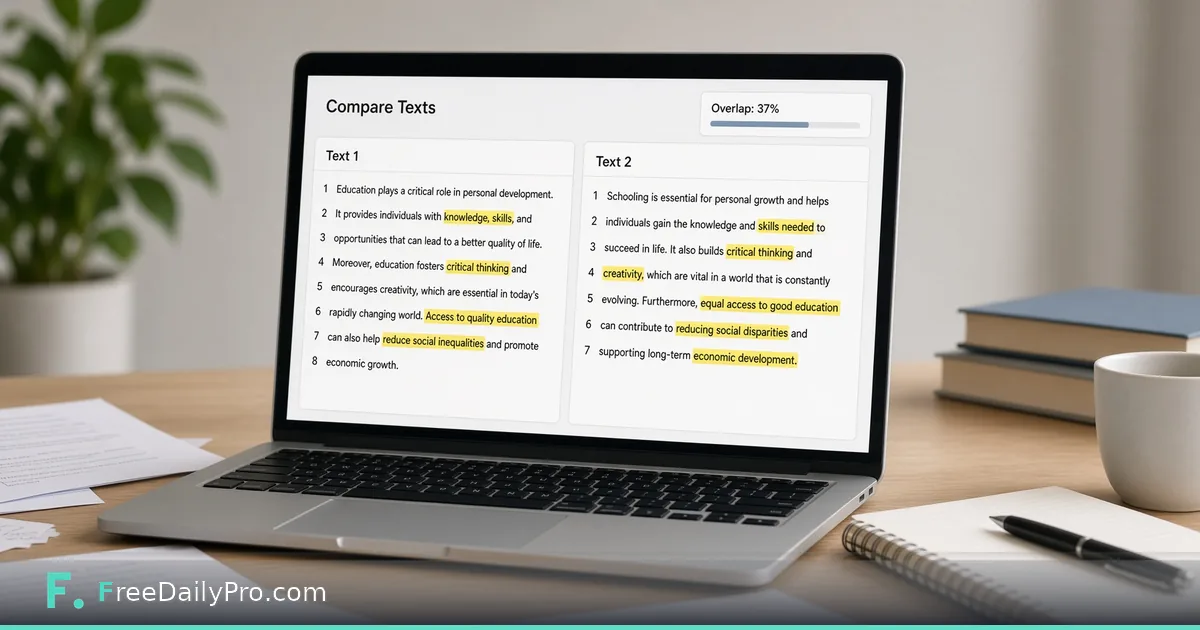
FreeDailyPro's Text Similarity Checker compares two texts for overlapping phrases. It is not a web-search plagiarism checker. The product description says so on purpose. You paste text A and text B. You get an overlap-oriented result for those two inputs only.

What this tool is for
Self-check against your own earlier draft. Compare a rewrite to source notes you may paraphrase. Review marketing variants for accidental near-duplication. Check whether teammate sections collide before a combined document ships.
Students may want a private first look before a school-required service. That can be a writing aid. It is not a substitute for institutional rules, citation standards, or school databases.
What this tool is not
It does not crawl the web. It does not contain a publisher corpus. It cannot swear a paper is original against documents it has never seen. Claims otherwise are overclaiming.
For line-by-line edits use the Diff Checker. For language cleanup use the Grammar Checker. Separate tools for separate questions.
How to use it honestly
Paste full sections that matter. Remove bibliographies if they inflate boring overlap. Read overlapping regions, not only the percentage. A moderate score with one copied paragraph still matters. Rewrite from understanding, not synonym roulette.
Professional uses
Policy teams comparing versioned language. Support teams checking canned replies. Researchers checking summaries against sources. You always control both texts.
Privacy
Pasting unpublished drafts into random plagiarism sites can store your work. FreeDailyPro's browser-oriented tooling keeps everyday text jobs closer to your device. For sensitive drafts that difference matters.
Limits
Short texts produce unstable percentages. Translations need humans. Code and poetry differ from prose. No similarity tool replaces editors or professors. Use it for overlap between two texts you provide — nothing more.
Reading the percentage without fooling yourself
A score is only meaningful next to the two texts that produced it. Say you paste a 600-word draft and a source article and see 18% overlap. Before reacting, look at what overlaps: three shared quotations with citations are normal, while one long unquoted paragraph is the thing to fix. Then paste the same draft against a second source and compare, because a single pairing tells you little.
Before you act on a result, run through this short routine:
- Save both texts with the date, so the number can be reproduced later.
- Trim headers, footers and reference lists from both sides; boilerplate inflates overlap.
- Re-run after you rewrite a flagged passage, and confirm the overlap actually dropped instead of the wording just being shuffled.
- Keep the shared phrases you intend to quote, and cite them where they appear.
Short texts swing wildly: a 40-word abstract can jump ten points over one shared phrase. Treat scores on very short passages as a prompt to read, not a verdict. When the decision matters, such as an academic integrity review or a contract dispute, hand the two texts and your notes to a person whose job is to judge them.