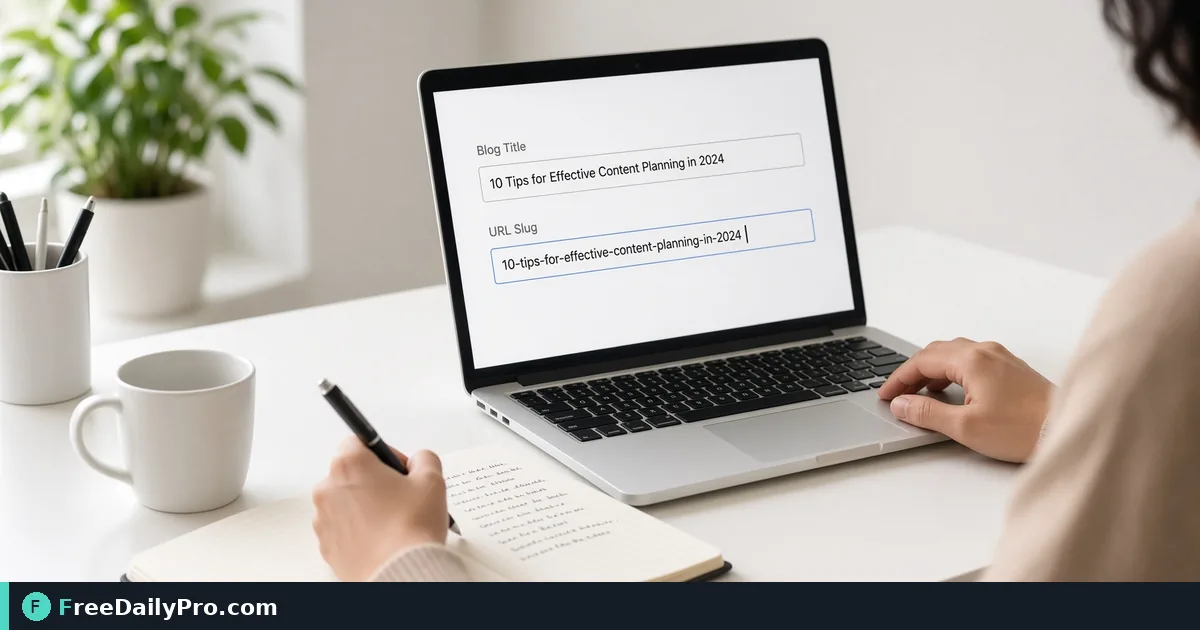
Clean Blog URLs With a Slug Generator Before You Publish
Generate clean URL slugs from post titles for blogs and docs. Practical rules for CMS paths, redirects, and consistency.
A good slug is short, readable, and boring on purpose. It is the part of the URL that survives copy-paste into Slack, citation managers, and printed handouts. This post is only about turning a title into a dependable path with Slug Generator, not about full SEO strategy.

What a slug is (and what it is not)
A slug is the trailing path segment: https://example.com/blog/clean-blog-urls-with-slug-generator. It should describe the page in plain words, use hyphens between words, stay lowercase, and avoid punctuation that breaks in email clients. It is not a marketing slogan, not a full sentence, and not a place to stuff every keyword you almost ranked for in 2019.
CMSs often auto-build slugs from titles. That is fine until the title has a colon, em dash, year in parentheses, or a clever hook that ages badly. Manual cleanup before publish prevents locked-in ugly URLs and painful redirects later.
Say you publish two technical explainers a week on a small site. You need slugs that match the final title intent, stay under a sensible length, and never collide with an older post. That is the narrow workflow here.
Prepare inputs before you open the tool
- Final or near-final title (not a working draft full of brackets).
- List of existing slugs in that section of the site so you do not duplicate.
- House rules: max length (many teams use 50–70 characters), whether stop words like "a/the/and" are stripped, and whether product names stay intact.
- Related helpers if needed: Case Converter for messy pasted titles, Word Counter when a title is still too long, and Markdown HTML Converter if you draft in Markdown and paste paths into frontmatter.
Among 200+ professional tools, slug-generator is the primary stop for this job. Stay within 10 trial usages a day if you batch a full editorial calendar in one sitting.
Numbered workflow for one post URL
- Freeze the title you will actually publish. Changing the title after the slug ships forces a redirect discussion.
- Paste the title into Slug Generator. Read the live output; do not retype from memory.
- Trim filler. Prefer
rotate-pdf-sideways-scansoverhow-to-easily-rotate-your-pdf-files-online-today. - Check collisions against your archive. If
invoice-templateexists, useinvoice-template-consultants-2026only when the content truly differs. - Paste the slug into the CMS path field and into any markdown frontmatter
slug:or filename you maintain in git. - Preview the full URL on staging. Click it from a phone and from an email draft to catch encoding surprises.
- After publish, do not rename casually. If you must rename, add a 301 and update internal links in the same change set.
Worked example: title to path
Title: "Shipping Cost Surprises: What 3-Person Shops Miss in 2026 (Updated)"
Raw auto-slug many CMSs produce: shipping-cost-surprises-what-3-person-shops-miss-in-2026-updated
Better slug after a deliberate pass: shipping-cost-surprises-small-shops
Why: the year and "updated" will rot; "what … miss" is blogger filler; the core promise is shipping cost surprises for small shops. You generate the clean form with Slug Generator, confirm it is unused in the archive, and set the CMS path once. Social cards and newsletter links use the same string so analytics stay readable.
A second title the same day—"Shipping Cost Surprises for Wholesale Cartons"—needs a distinct slug such as shipping-cost-surprises-wholesale-cartons, not a silent overwrite of the first path.
Edge cases editors hit weekly
Unicode and accented names. Some generators transliterate; others strip. Decide whether São Paulo becomes sao-paulo or sao-paulo-office-guide and apply the same rule every time.
Product version numbers. api-v2-webhooks is clearer than api-webhooks if v1 docs still rank. Put the version where humans expect it.
Series posts. part-2 in the slug helps humans and hurts reuse if parts merge later. Prefer durable topics: webhooks-retry-logic instead of webhooks-guide-part-2 when you can.
Stop words. Removing "and/or/the" shortens paths but can create ambiguity (plan-tax vs plan-for-tax-season). Keep a word when it carries meaning.
Trailing slash and case. Servers differ. Generate lowercase hyphens only; let the server policy handle trailing slashes consistently.
Common mistakes
- Publishing with the CMS default, then "cleaning later" after the URL is shared in a partner newsletter.
- Encoding spaces as
%20by hand instead of hyphens. - Copying a Medium or Docs auto-path full of hash suffixes into a permanent marketing site.
- Making the slug a second headline with emotional adjectives that you will not want in five years.
- Ignoring internal links: the new slug is live while five old posts still point at a deleted path.
Honest limits
Slug Generator shapes text into a path candidate. It does not know your archive, your redirect map, or whether marketing already printed a QR code to the old URL. You still own collision checks and governance. It will not write the article, set canonical tags, or guarantee rankings. FreeDailyPro offers browser-based utilities with 10 trial usages a day on file-oriented tools; this text tool is for quick, consistent path hygiene.
If the title itself is weak, fix the title first. A perfect slug cannot save a vague topic.
FAQ for clean paths
Should every stop word die? No. Delete filler; keep meaning. guide-to-rmd can stay rmd-age-checklist if that matches the post.
How long is too long? If the slug wraps twice in a terminal or is truncated in a share unfurl, cut it. Aim for scannable at a glance.
Do I need a new slug when I update a 2024 post in 2026? Usually no. Keep the stable path; put the year in the visible title or a banner, not in the URL, unless the content is truly a new document.
Can I use underscores? Prefer hyphens. Underscores are easy to miss in underlines and some tools treat them differently.
Closing next step
What slug collision or redirect mess are you cleaning up next? Send before/after path examples via the contact page (no private staging passwords).