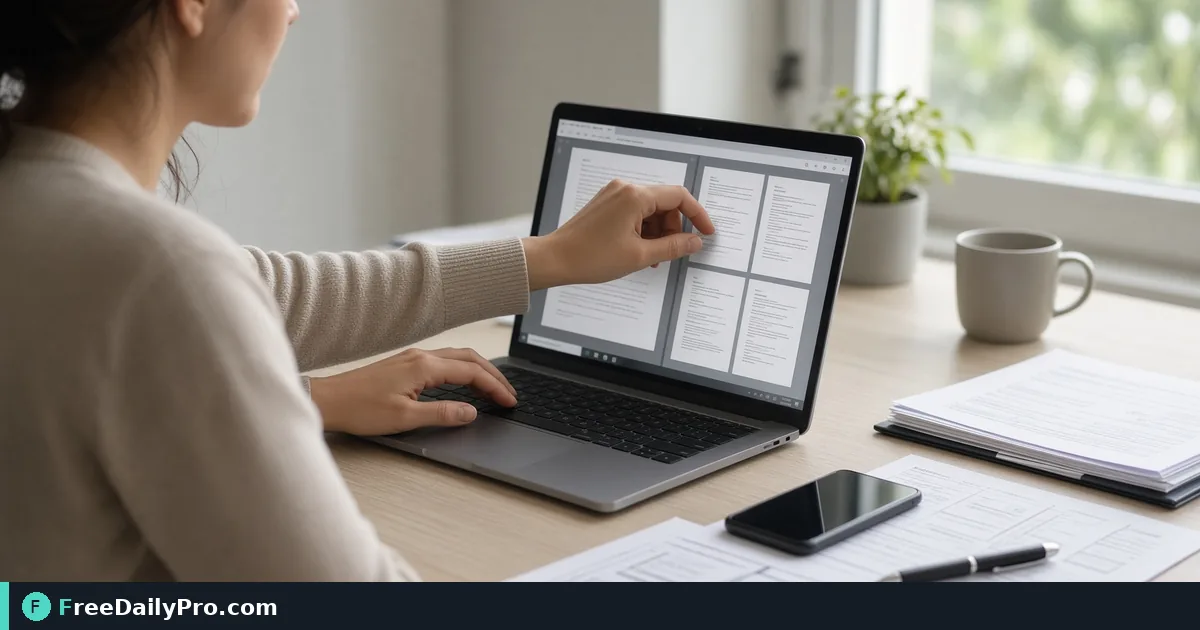
Rotate Sideways PDF Scans Before You Send the Packet
Rotate sideways PDF pages from phone scans before sending. Step-by-step orientation fix plus compress and merge tips.
Phone scans save time until half the pages land sideways. A client who has to flip a tablet for every other page will stop trusting the packet, even when the content is fine. This guide walks through fixing orientation in the browser with Rotate PDF, then tightening size and structure so the file is actually ready to send.

Why sideways pages show up more than you expect
Most people shoot documents with a phone held however it is convenient. Portrait for letters, landscape for wide forms, and a mix when you rush through a multi-page contract on a table. Some scan apps auto-correct; many do not. Email clients and shared drives also preserve the page rotation flags as they are, so a "quick share" can ship broken orientation straight to legal, finance, or a customer.
A second cause is multi-source packets. You might combine a desk scanner PDF (correct), three phone photos of signed riders (rotated 90°), and a faxed cover sheet (upside down). Merging without a rotation pass locks those angles into the final file. The reader experiences a flip-book of frustration.
Say you run a three-person studio that sends weekly client packets. You need every page upright, under a size limit your portal accepts, with file names that match the job ticket. That is the narrow job this post solves.
What you need open before you start
- The raw PDF or set of scans that still include sideways pages.
- A short checklist of which page numbers look wrong (flip through once on a laptop, not only on the phone).
- The destination rules: email attachment cap, client portal max size, or "print two-up" needs.
- Optional related tools if you still need capture or cleanup: Document Scanner, Image to PDF, and Compress PDF.
Browse PDF tools only after the orientation pass is done, so you do not chain half-finished files.
Among 200+ professional tools on FreeDailyPro, you only need rotate-pdf for this step. File-based tools include 10 trial usages a day, so batch a full packet in one session instead of rotating one page at a time across days.
Numbered workflow: fix orientation, then size
- Open the PDF on a large screen and note every page that is not upright. Write "p.3 CW, p.7 CCW, p.11 180" if that matches what you see.
- Go to Rotate PDF and load the file. Use the live form labels for direction (90° clockwise, 90° counter-clockwise, or 180°) rather than guessing from memory.
- Apply rotation to the wrong pages only when the tool allows page selection. If the tool rotates the whole document, split first so you do not twist pages that were already correct.
- Download the result and reopen it immediately. Confirm page 1 through the last page all read head-up without tilting the monitor.
- If the file is still heavy for email, run Compress PDF once. Prefer one sensible quality pass over three aggressive ones that blur signatures.
- Rename clearly:
ClientName-Packet-2026-10-16-upright.pdf. Store it where finals live, not in Downloads forever. - Spot-check on a phone. Orientation that looks fine on a desktop can still feel wrong if a page is 180° and you only skimmed titles.
Worked example: 12-page lease packet
Imagine twelve pages: cover letter (ok), six lease pages from a flatbed (ok), three phone photos of initialed riders (all 90° clockwise), one photo of a utility bill (180°), and a scanned ID (ok). You open Rotate PDF, correct the three riders with a 90° counter-clockwise pass on those pages (or on a sub-file if whole-file rotation is the only option), then fix the utility bill with 180°.
After download you see twelve upright pages. The portal limit is 8 MB and the file is 11 MB because phone photos are large. One compress pass brings it to about 4.5 MB without washing out the signatures. You name it River-Apt-12B-lease-packet.pdf and upload. The property manager opens it on a phone in a parking lot and can read every rider without spinning the screen.
That is the success condition: recipient reads end to end without asking for a re-export.
Edge cases that break naive rotation
Mixed already-correct pages. Rotating the whole file "just in case" can invert the good half. Always inventory first.
Scanned books and spiral notebooks. Gutter shadow and skew are not the same as rotation. Rotation fixes orientation only. If text is still skewed, re-capture with Document Scanner held square to the page, or accept that the scan quality—not the angle—is the problem.
Password-protected PDFs. Some protected files will not accept page edits until unlocked. Handle unlock with the right tool first; do not fight rotation on a locked file.
Print duplex settings. A file that is upright on screen can still print awkward if duplex "flip on short edge" is wrong for your paper. Orientation fix and print settings are separate checks.
Very large image-only PDFs. Each phone page can be several megabytes. Rotate first, compress second. Compressing first can hide which page still needs rotation if preview quality drops.
Common mistakes
- Sending the first export without reopening it full-screen.
- Leaving sample or "scan001" filenames in the client folder.
- Chaining merge, watermark, and compress before orientation is fixed, which multiplies rework.
- Assuming the phone preview is enough; phones often auto-rotate the viewer, not the PDF page flags, so a broken file can look fine on the device that created it.
- Using 10 trial usages a day inefficiently by re-uploading the same broken file after each tiny tweak instead of planning the page list once.
Honest limits
Rotate PDF corrects page rotation. It does not OCR text, fix blur, or redline contracts. If a page is cut off or unreadable, reshoot or rescan. If you need permanent removal of sensitive text, that is a different tool and a different post. FreeDailyPro processes work in the browser with 10 trial usages a day on file tools; heavy daily production may need a day pass or a scheduled batch plan.
For capture from paper, pair with Document Scanner. For photo stacks that are not yet PDF, use Image to PDF after you crop and straighten shots. Keep the primary path simple: upright pages first, size second, share third.
FAQ specific to sideways packets
Can I rotate only page 4? Use page selection when the live tool offers it. If not, extract that page, rotate, then re-merge carefully so order stays correct.
Will rotation reduce quality? Rotating existing page images should not recompress if the tool preserves streams. Any later compress step is what changes visual quality.
My client still sees sideways pages. They may be opening an old attachment. Confirm the filename and upload timestamp. Also confirm you sent the post-rotation file, not the original sitting next to it in the same folder.
Is this only for contracts? No. Invoices, lab results, homework packets, insurance claim photos, and HOA notices all hit the same orientation problem.
Closing next step
Which page range still lands sideways after your last rotate pass, and what device created the scan? Tell FreeDailyPro on the contact page.