Start Contracts Faster With Templates: NDA, Lease and More
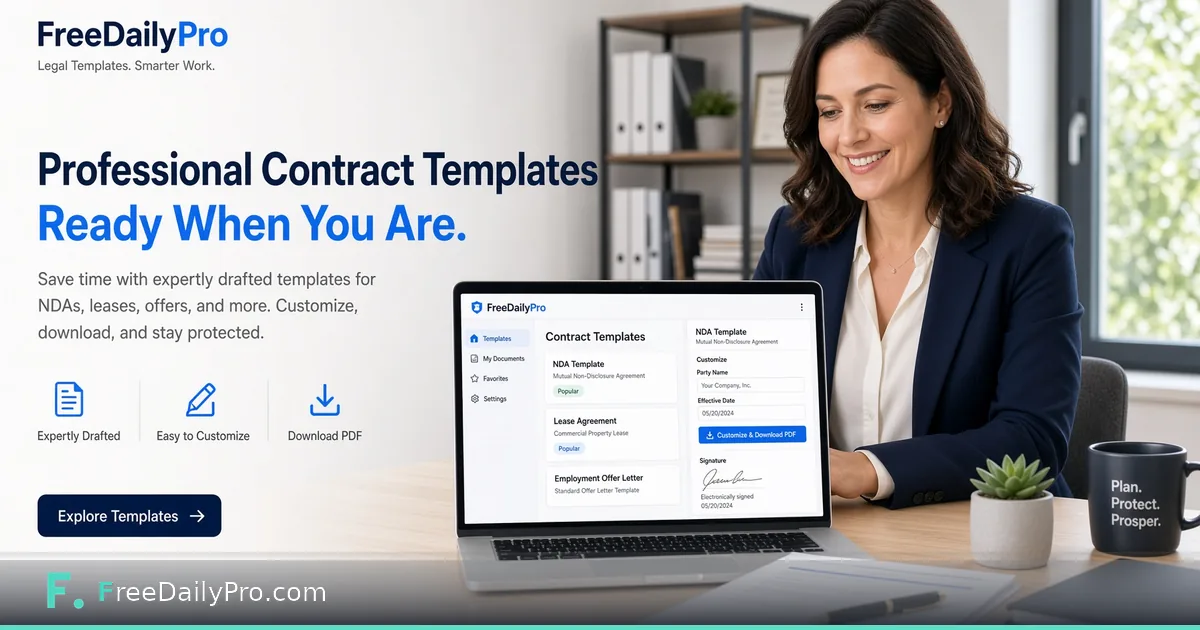
Contract templates on FreeDailyPro for NDAs, leases, and business paperwork. Customize, PDF, sign — privacy first.
A blank page slows a deal more than a hard negotiation does. Contract Templates on FreeDailyPro give small teams a structured starting point for common agreements, so your attention goes to price, scope, and term rather than to rebuilding section headings late at night.
Templates are a launchpad, not a lawyer, and this is not legal advice. Have qualified counsel review anything material. Still, a clean draft beats a chaotic email chain when you need an NDA before a product demo or a simple lease outline before a walkthrough.

What You Can Start From
Business document tools on FreeDailyPro cover NDAs, lease-style agreements, power of attorney style forms, bills of sale, promissory notes, employment offer letters, eviction notices, and more related paperwork. Use Bill of Sale Generator when asset transfer is the job. Pair with Receipt Maker for payment records.
Move drafts into PDF for sharing. Fill structured PDFs with Fillable Forms. Capture signatures via Sign PDF. Protect outbound copies with PDF Password. Watermark "DRAFT" using PDF Watermark until counsel signs off.
A Responsible Small-Business Flow
Select a template close to your use case on Contract Templates. Customize names, dates, and jurisdiction notes. Export or print to PDF. Run a version compare later with Compare PDF when the other party redlines. Redact accidental personal data with Redact PDF before wider distribution.
Store signed finals carefully on your own systems. Nothing here is meant to replace your records folder.
Who These Templates Help
Freelancers locking scope. Agencies onboarding clients. Landlords organizing basics. Startups exchanging mutual NDAs. Side hustles selling equipment with a bill of sale. HR teams drafting first-pass offer language before legal polish.
If your company restricts which cloud services may see deal terms, browser-based tools are an easier fit than pasting a clause into a cloud chat assistant. The drafting happens on your machine, and the trial limits are stated up front.
Connect Documents to the Rest of FreeDailyPro
After signature, assemble onboarding packs with Merge PDF and Document Assembler. Build employee handbooks with Book Writing Toolbox. Clean ID scans with image tools. Calculate payment schedules with Loan Calculator when financing is involved.
Developers who automate non-sensitive text steps can look at the API and MCP pages. Keep the high-trust contract edits in the interface where a person reads every line.
What "Template" Should Mean in Practice
A good template is structured, readable, and incomplete on purpose. It forces you to fill parties, dates, and commercial terms. It should not pretend to be jurisdiction-perfect for every country. FreeDailyPro positions templates as accelerators with a clear legal review step.
If a deal is high stakes, counsel first, template second. If a deal is a standard low-dollar NDA before a casual demo, a template plus careful reading may be enough to start — still with eyes open.
International and Cross-Border Care
Clauses that work in one state may fail in another. Data protection, governing law, and dispute venues need human judgment. Use templates to avoid blank-page delay, then customize. Redact experimental clauses with Redact PDF before wide email forwards.
Compare counterparty paper with Compare PDF. Keep a clean final with Organize PDF so exhibits order correctly. Sign last, not first.
Freelancer Stack: Scope, Invoice, Receipt
Many freelancers need three documents: a simple agreement, an invoice, and a receipt. FreeDailyPro covers the set. Contract templates start the relationship. Invoice and Receipt Maker close the payment loop. Bill of Sale Generator handles equipment sales on the side.
That stack reduces dependency on five different SaaS trials that expire mid-client.
Recordkeeping Without Becoming a Vault
Download signed PDFs to your own drive or DMS. The site is built for creating and transforming documents, not for archiving them, and it makes no retention promises. Treat your own drive or document system as the record.
Risk Tiers for Template Use
Tier A: mutual NDA before a casual chat — template plus careful read may suffice to start. Tier B: client MSA with payment terms — template plus counsel review. Tier C: equity, IP assignment, regulated industry — counsel-led drafting with templates only as reference. Label your internal process so staff do not over-rely on a template.
The templates remove blank-page friction and the PDF tools handle finishing. Matching the tier to the risk is your job.
Collaboration Between Ops and Legal
Ops can assemble a first draft with FreeDailyPro. Legal can mark required changes. Ops can re-export and sign logistics. Compare PDF keeps everyone honest about what moved between rounds. This division of labor respects expertise while removing waiting time on blank pages.
Document which templates are approved for which deal sizes. Update quarterly. Professional tools work best inside a lightweight policy, with clear owners for each template.
Why Keep Contract Work in One Place
Single-purpose document sites tend to ask for an email before the download, bolt on trackers, and leave you guessing where your draft went. Keeping the template, the PDF finishing, and the signature step on one site means fewer logins and one privacy story to explain to a client. The file tools run in your browser, so a draft NDA does not need to be uploaded anywhere to get a watermark or a password.
For a typical week of paperwork, the 10 trial usages a day cover a handful of drafts. If a deal closes and you have forty exhibits to merge and stamp, a Day Pass or Monthly Pro removes the daily ceiling. Compare that with juggling several short trials that expire in the middle of a negotiation.
Call to Action
Open Contract Templates and draft the agreement you have been putting off. When the packet is ready, finish it with Sign PDF and Fillable Forms. Which template should come next: creator contracts, consulting agreements, or rental addenda? Tell us, and we will weigh it against the rest of the roadmap.