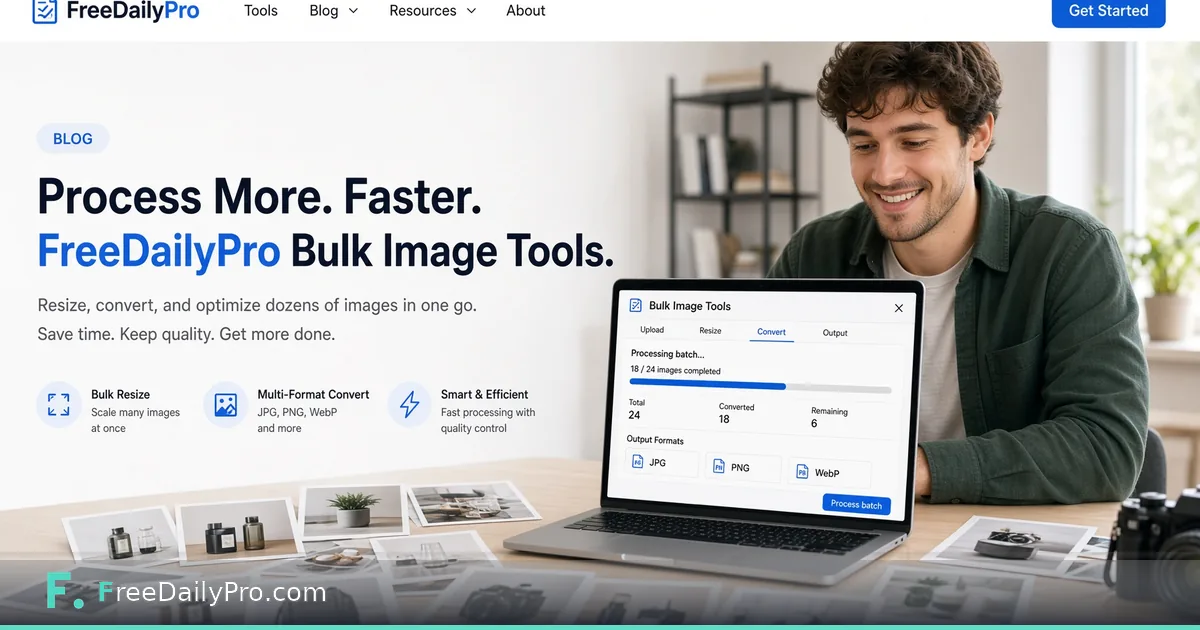
Process Dozens of Images at Once: Bulk Image Tools for Real Work
Batch resize, compress and convert dozens of product photos or event images in your browser, with files kept on your device.
FreeDailyPro.com — One image is easy. Eighty product shots before a launch is a different sport. FreeDailyPro's Bulk Image tool is built for those stacks: process multiple files in one flow so you stop opening the same dialog eighty times.
Browser-based batch work means your catalog photos, event galleries, and UI screenshots stay under your control during transforms. That privacy edge matters for unreleased products, face-heavy event albums, and internal design systems. Daily trial usages cover light runs; Day Pass or Monthly Pro handle crunch weeks.

Why Bulk Beats One-Off Forever
Marketplaces reject wrong dimensions. Email newsletters choke on multi-megabyte heroes. Design handoffs need consistent formats. Doing it file-by-file guarantees inconsistency and burnout. Bulk processing enforces the same settings across a set so the storefront looks intentional.
Pair bulk flows with precision tools. Compress Image hits target sizes. Resize Crop locks aspect ratios. Convert Image moves between JPG, PNG, WebP. Flip Rotate Image fixes orientation. Image Filters applies cohesive looks.
Ecommerce and Creator Playbooks
Photographers export a shoot, bulk-compress for clients, then build a PDF proof with Image to PDF or Catalog Maker. Sellers standardize white-background SKUs before listing. Social teams produce WebP sets for faster pages. Agencies deliver resized brand kits without a separate DAM seat for every intern.
Need a favicon pack from a logo? Favicon Generator. Need a quick mock screenshot? Camera and document scanner tools on FreeDailyPro help capture. For HEIC phone dumps, conversion tools in the image category clear the path before bulk work.
Privacy and Team Reality
Sending an entire catalog to an unknown compressor is a risk, especially for unreleased products. The Bulk Image tool works in your browser, so the transforms happen on your own machine. Teams that restrict cloud chat assistants and web upload services can still ship resized assets for the website this way.
When you later automate non-sensitive transforms in a pipeline, check the developers page for API and MCP options. Human batch days stay in the bulk UI.
Finish the Asset Pipeline
After images are ready, compress supporting PDFs with Compress PDF. Build lookbooks with Magazine Maker or Book Writing Toolbox. Record a listing demo with Screen Recorder. Generate GIFs for motion details via Video to GIF or GIF Maker.
One platform replaces a fragile stack of watermarking sites.
Marketplace Dimension Reality
Amazon, Etsy, Shopify themes, and ad networks all want different sizes. Maintaining five export presets is painful if you do it one file at a time. Bulk Image plus resize/compress tools let you define the rule once per batch. Name outputs clearly so developers can hook the right assets.
Create a simple house standard: master at high res, web hero, card thumb, social square. Run bulk jobs per standard. Store masters offline; ship derivatives.
Event and Media Teams
Wedding photographers, conference crews, and sports parents dump hundreds of images. Clients want galleries fast. Bulk compress for delivery, then optionally PDF contact sheets. FreeDailyPro image and PDF tools cooperate without forcing a Lightroom seat for every assistant.
Always keep originals. Bulk tools are for derivatives. That discipline prevents irreversible quality loss.
Design Systems and Engineering Handoff
Product designers export icon sets and marketing stills. Engineers need WebP and correct dimensions in git. A bulk pass before PR reduces back-and-forth. Pair with Favicon Generator for site chrome and Compress Image for Lighthouse budgets.
Document the pipeline in a short internal page. New hires run the same FreeDailyPro steps on day one.
Know the Limits Before a Crunch Week
A batch job is only useful if you know what a day of work will cost. The plan is simple: 10 trial usages a day to evaluate the tools, a Day Pass for one heavy afternoon, or Monthly Pro if bulk work is routine. Check plans and pricing before a launch week so a 300-photo run does not stall halfway.
Performance Budgets and SEO
Heavy images slow Largest Contentful Paint. Bulk compress to WebP or optimized JPG before deploy. Keep a maximum dimension for blog heroes (FreeDailyPro itself uses 1200×630 brand images for posts). Consistent bulk settings keep Core Web Vitals happier without a dedicated media engineer on every team.
Marketers can run monthly audits: download the worst offenders, bulk recompress, re-upload. That is a FreeDailyPro afternoon, not a quarter-long project.
Backup and Version Discipline
Before bulk overwrites, copy masters to a dated folder. Never bulk-save over RAW or master exports. FreeDailyPro speeds derivatives; it should not become the only copy of irreplaceable photos. Teach that rule to every intern on day one.
When a batch looks wrong, stop and fix the preset. Re-running eighty images is still cheaper than publishing eighty wrong crops to production.
Putting It Together
Pick one standard per destination and run the whole folder through it: the storefront set at a fixed square size, the newsletter set compressed under your email limit, the blog set in WebP at 1200 pixels wide. Open the results at full size and spot-check five files from the middle of the batch, because the first and last images rarely reveal a bad crop.
Then move on to the companions. Shrink supporting PDFs, assemble a lookbook, or record a short demo of the listing. Each step uses a separate browser tool, so nothing leaves your device unless you choose to upload the finished files somewhere.
Next Step
Open Bulk Image and run your next product set through a consistent resize and compress path, then browse the image category for single-file companions such as Compress Image and Resize Crop.