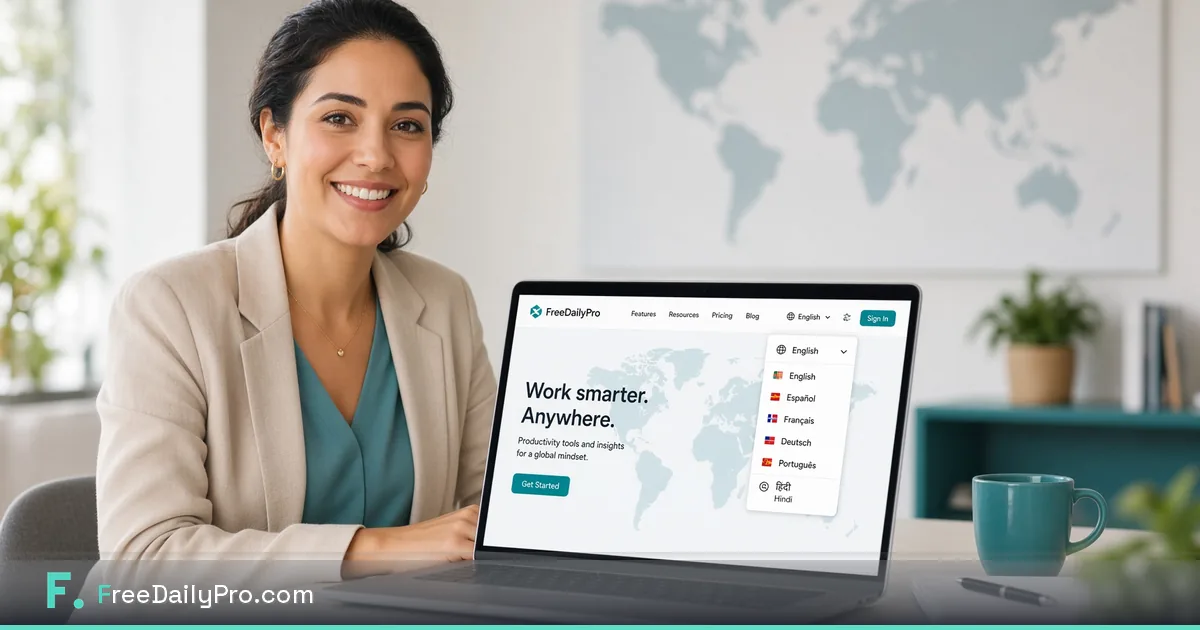
FreeDailyPro Now Speaks Your Language
FreeDailyPro's navigation and homepage now support 10 languages. Use 200+ free tools with an interface in your language.
You shouldn't have to squint at an unfamiliar interface just to compress a PDF or resize a photo. FreeDailyPro now supports 10 languages across its navigation and homepage, so more people can find and use the toolkit in a language that feels natural to them.
Look for the language icon in the header. One click opens the language menu — choose your preferred language and the site's core interface updates. Every file still stays entirely on your device, exactly as before.
Why language support matters for free tools
Most free online tools only speak English, which creates real friction for people who think and work in Spanish, French, German, Portuguese, Hindi, and other languages. FreeDailyPro already runs 200+ tools entirely in the browser with strong privacy — language support means that same privacy-first experience is easier to navigate for a wider global audience.
How to switch language in seconds
- Open FreeDailyPro.com
- Click the language icon in the top bar
- Select your language from the list
- The main navigation and homepage update immediately
Your choice is remembered for next time, and you can change it again whenever you like.
What's translated today — and what's still on the way
Right now, language support covers the main navigation, homepage, and footer — the parts of the site everyone sees first. Individual tool pages and their instructions are still in English while translation work continues there. We'd rather tell you exactly what's covered today than overstate it.
- All tools still process files client-side, inside your browser
- No uploads to our servers for core file work
- Free daily use for file-based tools remains the same
- Day Pass and Monthly options still unlock unlimited use when you need them
Perfect for teams, freelancers, students, and families
- Freelancers working with international clients can navigate in their preferred language
- Students can find the calculators and PDF tools they need without a language barrier
- Small businesses can point staff to a homepage in the language they're most comfortable with
- Families sharing a computer can each keep their own language preference
Try it right now
Open FreeDailyPro, click the language icon, switch to your preferred language, and browse the toolkit. We're continuing to expand translation coverage over time based on real user demand — tell us which language or which part of the site you'd like to see covered next.