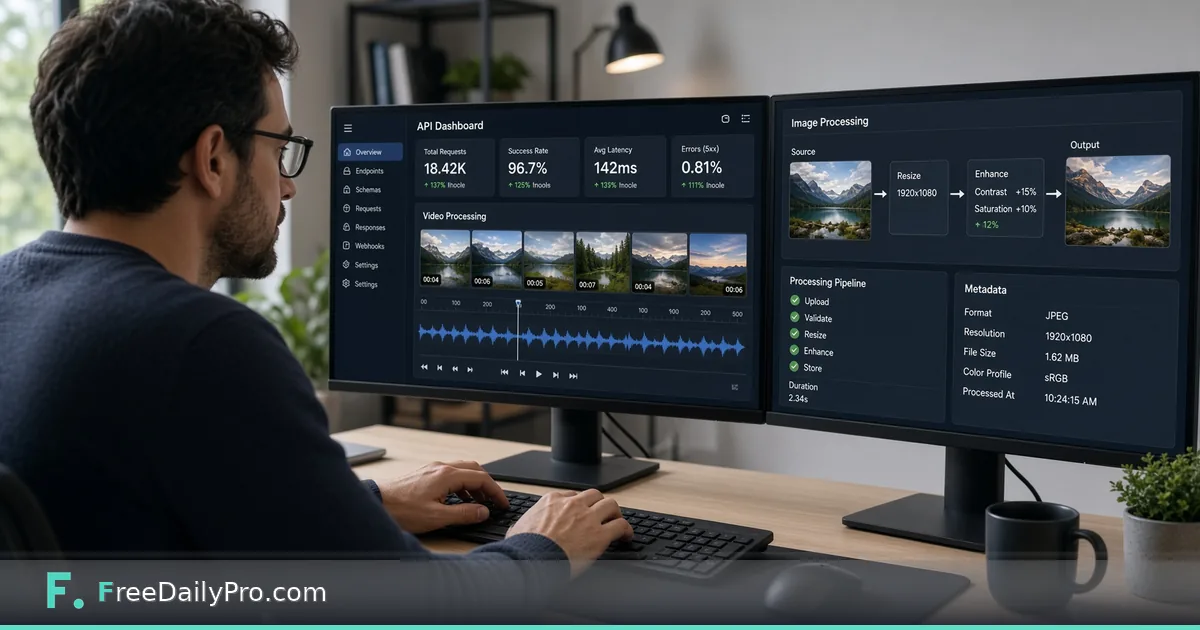
FreeDailyPro API Adds Video, Audio and Image Processing
The FreeDailyPro API handles video, audio and image processing server-side. Now 187 endpoints and 178 MCP tools.
FreeDailyPro.com — A few weeks ago, the FreeDailyPro API covered text, security, and calculator tools — genuinely useful, but honestly a fraction of what the site itself can do. That gap just closed in a big way: real, ffmpeg-backed video and audio processing is live, alongside a full page-level PDF toolkit and image transforms, all callable from your own code or an AI agent.
The headline: video and audio, for real
This isn't a thin wrapper around a third-party service. It's the same ffmpeg engine that powers real production video pipelines, running server-side behind a simple REST call: convert between MP4, WebM, and MOV; trim to an exact time range; merge multiple clips; extract a thumbnail or the audio track; burn subtitles permanently into the picture; convert to an animated GIF; and compress toward a target file size with an honest report of whether the target was actually hit.
Audio got the same real treatment: convert between MP3, WAV, OGG, M4A, and FLAC; trim; merge multiple files; normalize loudness to the EBU R128 broadcast standard (the same one streaming platforms use); change speed without touching pitch; shift pitch without touching speed; reduce background noise; and strip silence out of a whole recording, not just the ends.
PDF and image got bigger too
The PDF API already handled form-filling and redaction. Now it merges, splits, rotates, adds page numbers, watermarks, extracts pages, reorders/organizes a document, flattens fillable forms, repairs damaged files, and applies light lossless compression — the real page-operations toolkit people actually reach for, not just the edge cases.
Image processing is new entirely: resize to exact pixel dimensions, crop to a region, flip, rotate in 90-degree steps, and convert between PNG and JPEG. Small, focused, and exactly what a backend job or automation script usually needs without pulling in a heavyweight image library of its own.
MCP went from 61 tools to 98
Everything above is also available through MCP — meaning Claude Desktop, Cursor, and any other MCP-compatible agent can call these tools directly as part of a conversation, no custom plugin required. The registry listing (com.freedailypro/tools) now covers 98 tools total, up from 61. One honest, practical difference: MCP's video/audio tools use somewhat smaller file-size limits than the same operations over plain REST, since passing a file as base64 text through an agent's own message handling has real overhead a raw HTTP upload doesn't — for bigger files, the REST API directly is the better fit.
Why this matters if you're building something
Before this, a backend job that needed to trim a video, normalize a podcast's loudness, or generate a thumbnail had to either shell out to its own ffmpeg install or reach for a paid third-party API. Now it's one key, one shared quota, and one consistent API style across text, PDF, image, and media — the same trial tier that already covers everything else on the developer hub.
It's also just faster to build with. An automation that used to need three different services stitched together — one for PDFs, one for image resizing, one for video — can now hit a single host for all of it, with the same authentication and the same predictable error format.
Try it right now
Head to the developer hub at https://www.freedailypro.com/developers, grab a free API key, and try a real video conversion or a PDF merge in Postman or RapidAPI's in-browser playground — no code required to see it work. If you're connecting an AI agent, point it at the MCP endpoint and it'll discover all 98 tools on its own.
The trial tier starts at 20,000 calls a month across every category — text, security, converters, PDF, image, video, and audio all count the same, no separate media surcharge. Paid tiers scale up from there if you need more.
What's still genuinely on the roadmap
In the spirit of staying honest about scope: OCR, Office-format (Word/Excel/PowerPoint) conversion, and anything needing live camera/screen/microphone access aren't in the API yet — the last of those is inherently browser-only, not something an API limitation will ever fix. Everything else keeps expanding.
That's the update. Real ffmpeg video and audio, a fuller PDF pipeline, image transforms, and MCP nearly matched up with all of it — go build something with it. Visit https://www.freedailypro.com/developers to get your key and start calling tools today.