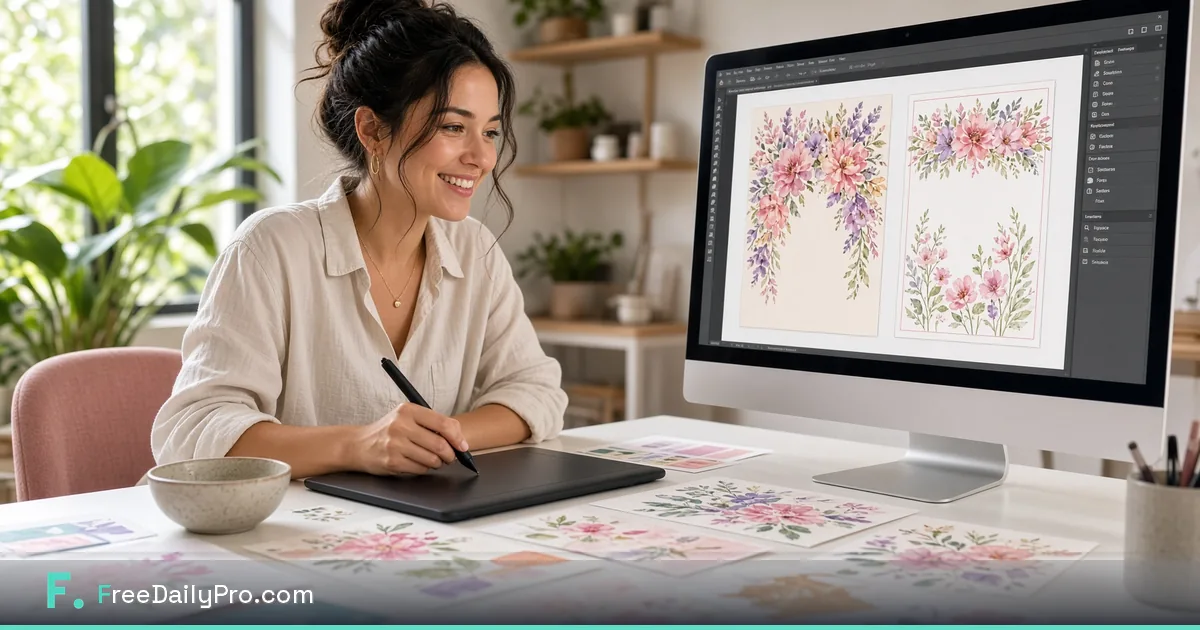
Menu, Invitation and Print Design Tools
Design a restaurant menu, a birthday invitation, or a business flyer — all in your browser, with print-ready export.
Menus, invitations, brochures, and banners all share the same basic need: real design, without opening a design program you don't have (or don't know how to use). Four tools cover this.
Menu Card Maker
Add sections (appetizers, mains, drinks), items with descriptions and prices, and pick from a few style themes. Prints cleanly with your browser's own print-to-PDF, no export step to fight with.
Menu Card MakerInvitation Card Maker
Six occasion presets — birthday, wedding, baby shower, anniversary, graduation, corporate event — each with its own color theme, so you're not starting from a blank canvas.
Invitation Card Maker
Brochure & Flyer Maker, and Banner & Sign Maker
The Brochure & Flyer Maker handles a one-page business flyer with a headline, key points, and contact info. The Banner & Sign Maker covers web banners, storefront signage, and large posters at any custom pixel size — useful well beyond print, since it exports as a real PNG at whatever dimensions you need.
Brochure & Flyer Maker Banner & Sign MakerMenu and Invitation makers export via print-to-PDF (better for multi-section text layouts); the Banner & Sign Maker exports a direct PNG file, since that's what you actually want for a web banner or printed sign.
Planning the Layout Before You Open a Tool
Most disappointing printed pieces fail on content, not styling. Spend five minutes on the words first.
For a menu, draft the sections in the order a guest reads them and cap each at what fits comfortably on a page. A neighborhood cafe might use Breakfast (6 items), Sandwiches (8), Drinks (10) and Desserts (4). Price formats should match throughout: choose "$12" or "$12.00" and keep it. Allergen notes belong in a short line under the item, and any claim about ingredients should be one you have checked with the kitchen.
For an invitation, write down the five facts guests need before choosing a theme: who is hosting, what the occasion is, the date and start time, the address, and how to respond. A wedding card can carry more formality; a kid's birthday card needs the pickup time and a phone number for the host. Proofread the date and day of the week against a calendar, because a mismatch there causes more confusion than any design flaw.
For a flyer, lead with one offer and one call to action. A single headline such as "Grand opening Saturday, 10 a.m." with three supporting points and one phone number reads better than a page of equal-weight paragraphs. For a banner or sign, pick the pixel size from where it will be shown: a storefront poster and a web header need very different proportions, and the Banner & Sign Maker lets you set the dimensions yourself.
Printing and Sharing Tips
- Print one test page on plain paper before running a full batch. Margins and line breaks that look right on screen sometimes crowd the edge on paper.
- Use your browser's save-as-PDF option for the Menu and Invitation makers when you want to email a file or hand it to a print shop, then open that PDF and check every page.
- Export the Banner & Sign Maker output as a PNG at the final size, so a print shop or website can use it without resizing.
- Keep a master copy with prices and dates clearly marked, so seasonal updates are a quick edit instead of a rebuild.
- If you are planning a whole event, pair these with the other tools in the Event Planner toolkit, and see plans and pricing if you expect a heavy design week beyond the 2 trial usages a day that each Premium Application includes.