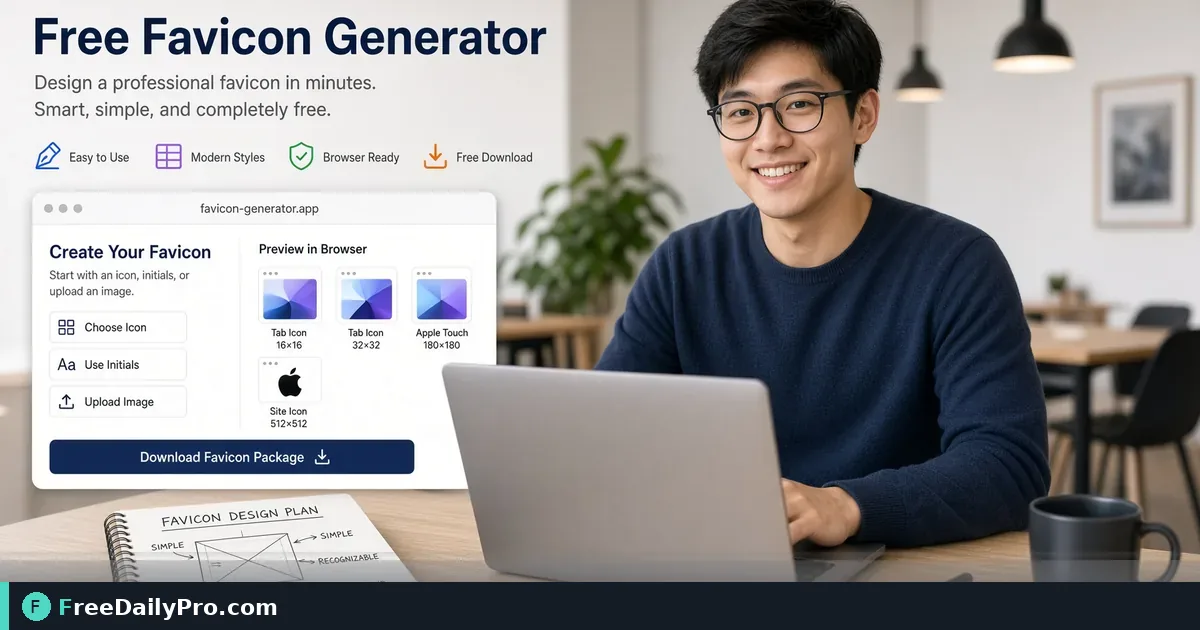
Create a Clean Favicon for Your Site Without a Design Suite
Generate website favicons from a logo or simple image. Practical steps for clear browser-tab icons.
A missing or blurry favicon makes a site look unfinished in a crowded tab bar. You do not need a full design suite to ship a clean icon. Start from a simple logo mark, generate sizes the browser expects, and place the files where your host documentation says.

Quick answer
Open Favicon Generator with a square logo or simple mark. Export the icon package the tool provides. Upload according to your platform (static host, WordPress theme, or app shell). Hard-refresh the browser to confirm the tab updates. Among 200+ professional tools, favicon work is small but visible every time someone lives in multiple tabs.
Category: design tools.
Why tiny icons fail
Complex logos with fine text disappear at 16×16. Gradients that look premium large turn muddy small. Busy backgrounds fight the glyph. The winning favicon is usually a simplified monogram, symbol, or cropped logo center—not the full wordmark.
Test on a light and dark browser chrome if you can. Some browsers use dark tabs where a dark icon vanishes.
Numbered workflow
- Export or crop your logo to a square canvas with generous padding.
- Remove tiny taglines; keep one shape or two letters max.
- Open Favicon Generator.
- Upload the simplified source.
- Download the generated set as the live tool presents it.
- Install per your stack: root
/favicon.ico, HTML link tags, or platform media settings. - Open the site in a private window and confirm the tab icon.
- Repeat after brand color changes—old favicons cache hard.
Source image tips
Use PNG with transparency when the mark needs it. Keep the subject centered. Avoid photos of products as favicons; silhouettes and letters read better. If your only asset is a wide wordmark, crop to the first letter or icon badge used on social avatars.
High-contrast colors help. Thin gray lines on white fail. Solid fills with a simple outline often survive resizing.
Platform install notes
Static sites often need files in the public root plus link tags in the HTML head. CMS platforms may have a site identity panel that accepts one upload and generates the rest. SPA frameworks sometimes inject icons through a manifest. Follow the host docs after you generate files—generation is only half the job.
If the tab still shows an old icon, clear cache or bump a query string on the icon URL when your stack allows versioning.
Common mistakes
- Shipping the full horizontal logo as a favicon.
- Forgetting to update icons after a rebrand.
- Using a low-resolution JPEG with compression artifacts.
- Testing only on desktop Chrome while mobile Safari still shows the old apple-touch icon.
- Skipping padding so the glyph touches the rounded mask edge.
Mini case
A consultant rebrands from blue wordmark to a teal monogram. They crop the monogram, run Favicon Generator, upload to their site settings, and hard-refresh. Clients finally recognize which tab is the client portal among ten open tools.
Brand system fit
Favicons should match social avatars and app icons when possible. Consistency across tab, bookmark, and home-screen icon builds recognition. Keep a single master SVG or high-res PNG in brand files, then regenerate favicons from that master when colors change.
Accessibility and clarity
Icons are not the only way users identify tabs—titles matter—but icons speed scanning. Ensure the page title is still descriptive. Do not rely on color alone if the mark must work in monochrome pinned tabs.
FAQ
Do I need every size ever invented? Generate what the tool offers and what your platform asks for. Over-shipping dozens of unused sizes is optional.
Can I use emoji as a favicon? Some stacks allow it; results vary. A proper image pack is more reliable for professional sites.
Will this improve SEO? Favicons are not a ranking lever by themselves. They improve usability and brand trust in the tab bar.
Honest limits
The generator cannot invent a brand strategy. Weak logos stay weak when shrunk. Trial usage is 10 trial usages a day. Always preview on real devices after deploy. Cached icons may lag hours after upload.
Extended checklist before launch
- Source is square and simplified.
- Generated files downloaded.
- HTML or CMS settings updated.
- Private window test passed.
- Mobile home-screen icon checked if you support install prompts.
- Brand folder stores the master asset for next year.
Document where favicon files live in your repo so the next developer does not guess.
Browser caching deep dive
Favicons are aggressively cached. After deploy, users may still see the old mark for days. Mitigations include renaming the file (favicon-v2.ico), updating the href with a version query where allowed, and asking stakeholders to test in a private window. Document the cache issue in your launch checklist so support is not surprised.
Multi-brand and white-label sites
If one codebase serves multiple brands, each tenant needs its own icon set. Generate per brand from Favicon Generator and wire icons through tenant config, not a single global file. Missing tenant icons fall back to a generic mark that confuses customers.
PWA and mobile home screen
When users “add to home screen,” separate touch icons may apply. Generate the set the tool provides and map each size your manifest references. Test on iOS and Android because masks and safe zones differ. A desktop-only favicon check is incomplete for product teams shipping installable shells.
Design QA rubric
At 16px, can you still recognize the brand in three seconds? If not, simplify again. Compare against three competitor tabs. If yours disappears among them, increase contrast or simplify further. Ship only after a colleague not on the project can identify the tab.
Handoff to developers
Deliver a zip of icons plus a short README: which file goes where, which HTML tags to include, and the master source filename. Developers should not reverse-engineer branding from a single PNG email attachment.
Next step
Open Favicon Generator with your current logo. Simplify if needed, generate, install, and verify in a private window.
Which favicon pain should FreeDailyPro cover next—multi-tenant apps, dark-mode variants, or PWA manifests? Write via contact.